
Find California Court Records
California court dockets offer a view into cases filed across the state. Each of the 58 Superior Courts keeps its own docket records. These show case names, file dates, and court events. You can search court dockets online through county portals. Some counties use Tyler Technologies. Others run Journal Technologies systems. A few maintain custom platforms built just for their needs. Most let you look up cases by name or number. Access is free in some counties. Others charge small fees to view documents or run name searches.
California Court Docket Quick Facts
What is a Court Docket
A court docket tracks a case from start to end. It lists every filing. It shows every court date. It notes every order the judge makes. Think of it as the case timeline. Each entry has a date and a brief note of what took place. You might see "Complaint Filed" on day one. Then "Answer Filed" two weeks later. Then "Motion Hearing Set" a month after that. The docket grows as the case moves forward through the court system.
Dockets tell you who the parties are. They show the attorneys on each side. They list the case type and the judge assigned to hear it. Many online docket systems let you click on entries to view the actual document that was filed. So if the docket says "Motion for Summary Judgment Filed," you can often pull up that motion and read it yourself. Not every county offers this. But many do now in California.
Dockets differ from case files. A docket is the index. The case file holds all the paperwork. When you go to a courthouse, the clerk can give you the full case file to review. Online, you usually see the docket first. Then you may be able to download select documents from that file for a fee. Some counties let you view everything remotely. Others require you to visit in person to see the complete file on paper or on a computer terminal at the courthouse.
California Superior Courts
California has one Superior Court in each of its 58 counties. These trial courts hear all civil, criminal, family, probate, and juvenile cases. Each county runs its own court. Each keeps its own docket records. There is no single statewide database that covers every county. You have to search each county separately if you need records from multiple places across California.
The Judicial Council of California oversees policy for all state courts. It sets rules for record access under the California Rules of Court, Rule 2.503. That rule says courts must make electronic records available to the public when possible. Remote access is allowed for many case types. But some sensitive cases can only be viewed at the courthouse itself. These include family law cases, criminal cases, and civil harassment matters.
California law also supports public access to court records. Government Code Section 68150 allows courts to keep records in any format. Paper, electronic, or other media all count as valid. The key rule is that records must stay accessible to the public. If a court moves from paper to digital files, it has to give people a way to view those digital records at the same level they could view paper ones before.
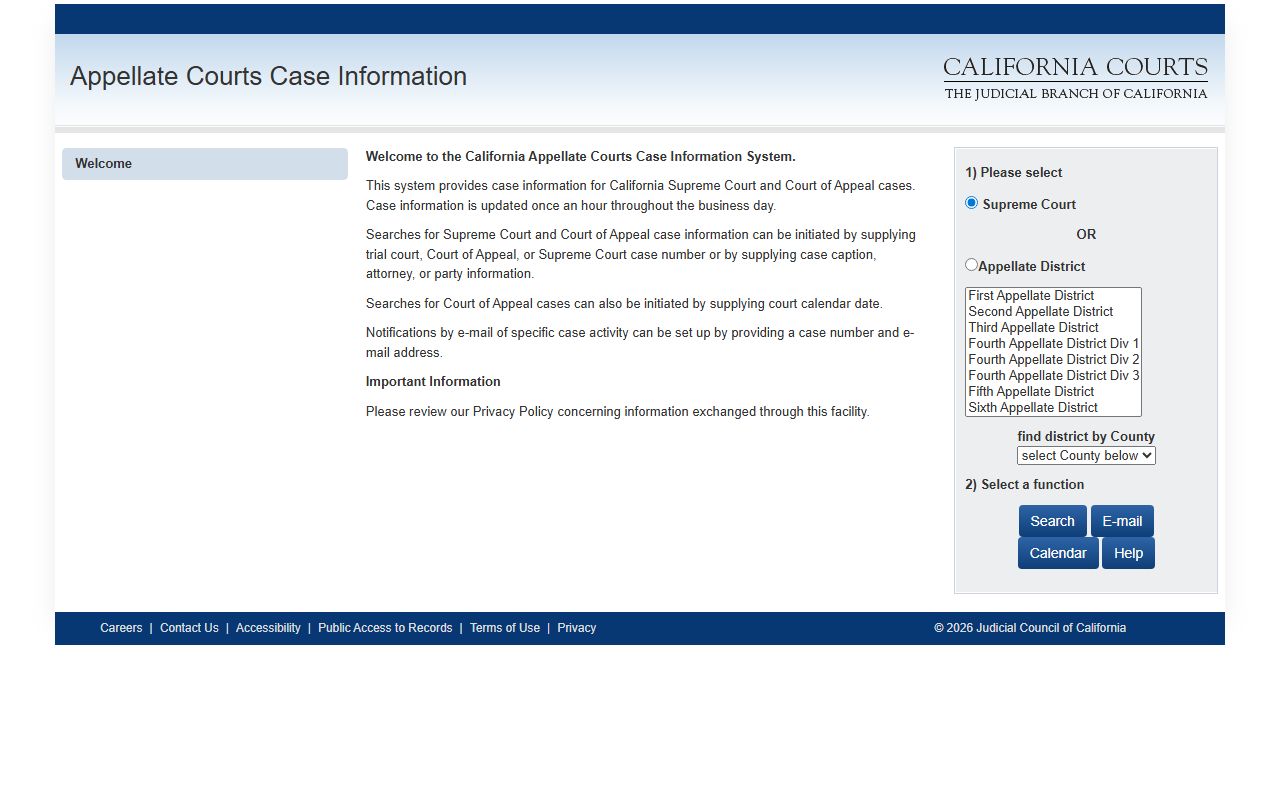
You can explore case information for the California Supreme Court and Courts of Appeal at appellatecases.courtinfo.ca.gov. That site covers appeals and high court matters. For trial court cases, you will need to contact or visit the specific county Superior Court where the case was filed or use their online portal if one exists for that county.
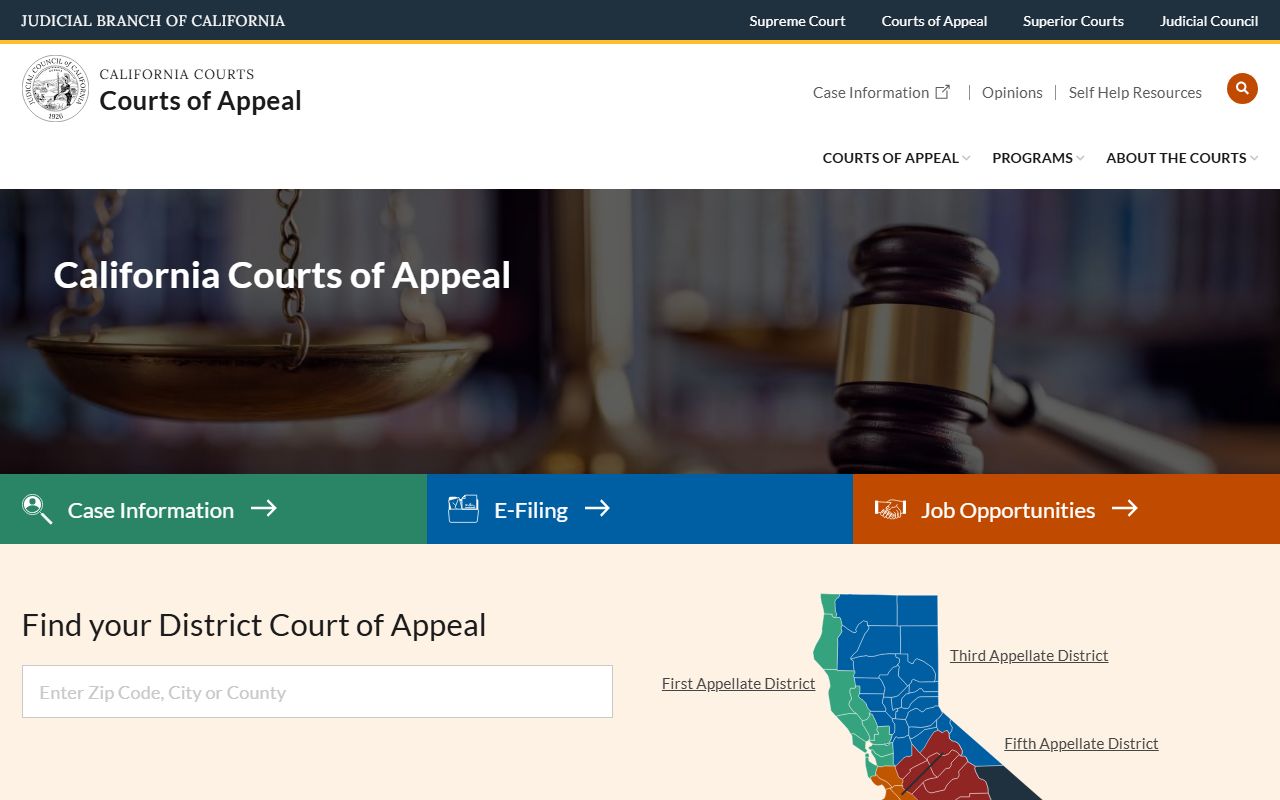
The six Courts of Appeal hear cases from different regions. The First District serves northern coastal counties. The Second District covers Los Angeles, Ventura, and nearby areas. The Third District includes Sacramento and the northern Central Valley. The Fourth District handles southern counties like San Diego and Riverside. The Fifth District takes cases from the central San Joaquin Valley. The Sixth District serves the South Bay and Monterey Bay regions.
Search Court Dockets in California
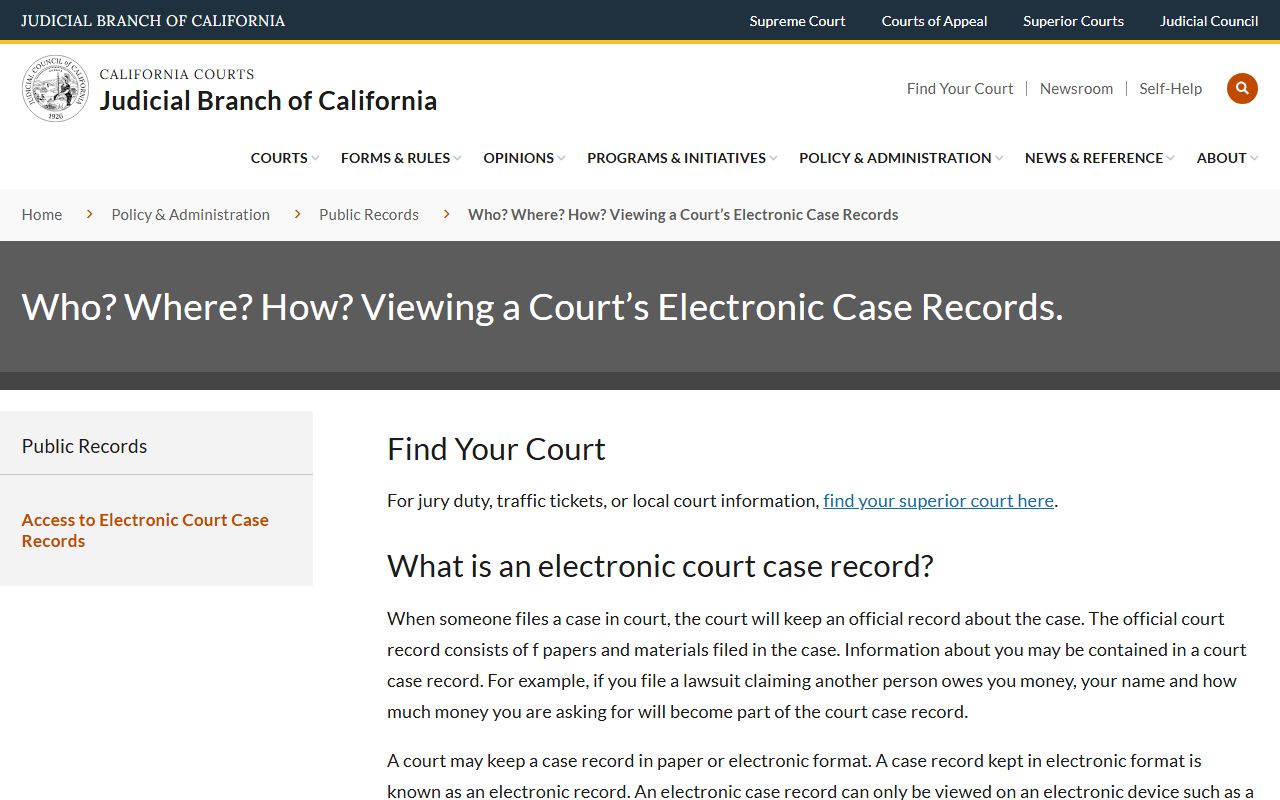
Most counties now offer online docket access. You visit the county court website. You find a link to their case search portal. You type in a name or a case number. The system pulls up matching dockets. Some portals are free to search by case number. They charge a fee if you search by name. Others charge for everything. A few still offer no online access at all and require you to call or visit.
Los Angeles County has one of the busiest court systems in the nation. You can search civil cases at www.lacourt.ca.gov/paos/v2web3/CivilIndex and criminal cases at www.lacourt.org/paos/v2public/CriminalIndex/. The system charges fees for searches. A name search costs a few dollars. Document downloads also come with per-page fees. But you get instant results any time of day or night.
San Diego County provides a free court index at courtindex.sdcourt.ca.gov/CISPublic/enter. You can search without paying a fee. Orange County splits its portals by case type. Civil cases have their own site. Criminal and traffic cases use a different one. Family law cases go to yet another portal. This setup helps keep each system fast and focused on one area of law.
Some counties keep things simple. Alpine, Humboldt, Inyo, Mono, Plumas, Sierra, Trinity, and Tuolumne do not offer online case search. You have to contact the clerk by phone or visit in person. Staff can search for you. They charge a search fee if the task takes more than ten minutes. Then they add copy fees on top of that for any pages you need.
If you need to search across many counties, plan to visit each portal one by one. Save your search results. Keep notes on what you find where. There is no shortcut to searching all 58 counties at once. Each system stands on its own with its own rules and fees. California has made strides in expanding online access over the past decade. But full statewide integration has not happened yet.
Federal Court Records in California
Federal cases follow a different path. California has four U.S. District Courts. The Northern District covers the Bay Area and the far north. The Central District handles Los Angeles and surrounding counties. The Eastern District takes the interior and the Central Valley. The Southern District serves San Diego and the border region. Each district maintains its own electronic filing system tied into the national PACER network.
PACER stands for Public Access to Court Electronic Records. You can access it at pacer.uscourts.gov. You need to register for a PACER account. The system charges ten cents per page viewed. It caps most documents at three dollars. If you stay under thirty dollars in a quarter, they waive your fees. So light users often pay nothing at all for federal court docket access.
The Ninth Circuit Court of Appeals also covers California. It hears appeals from all four district courts. You can find oral arguments and opinions at www.ca9.uscourts.gov. The site includes calendars, filings, and audio recordings of recent arguments. Unlike trial court dockets that grow over months or years, appellate dockets tend to be shorter. They focus on the briefs filed and the decisions issued rather than day to day motion practice.
How to Access California Docket Records
You have three main ways to access court dockets. Online portals work best for quick searches. You get results fast. You can do it from home. But you might hit a paywall or find that your county does not offer remote access. In those cases, you turn to the other two methods.
Courthouse visits give you the full picture. Every county has public access terminals where you can search for free. Clerks can also pull up records on their computers and print what you need. You pay the standard copy fee. That runs fifty cents per page under Government Code Section 70626. Certified copies cost more. The clerk adds a certification fee on top of the per page charge.
Phone and mail requests work too. Call the clerk and ask if they can search by name. If they find the case, request copies. Some clerks will mail them to you. Others ask you to come pick them up or to submit a written request with payment in advance. Mail requests take longer. Expect a few weeks for a response. Staff handle requests in the order received. Busy courts move slower than small ones.
A new law took effect in early 2026. Assembly Bill 1524 lets the public use personal devices to photograph court records on site. If you visit a courthouse and pull up a case on a public terminal, you can now take photos with your phone. This change speeds up the process for people who want to capture records without waiting for copies to print. It applies to records you are legally allowed to view at the courthouse under existing access rules.
Types of Cases on Court Dockets
California court dockets cover every kind of case that comes before the Superior Courts. Civil cases include lawsuits over contracts, personal injury, property disputes, and business matters. Criminal cases range from misdemeanors to serious felonies. Family law dockets track divorce, child custody, support, and domestic violence restraining orders. Probate dockets handle wills, estates, conservatorships, and guardianships.
You will also find small claims cases on the dockets. These involve disputes under ten thousand dollars. Parties represent themselves. Hearings move quickly. Unlawful detainer cases appear too. Those are evictions. Landlords file them to remove tenants who do not pay rent or who break lease terms. Traffic cases show up in some county systems. Others keep traffic separate from the main docket databases.
Each case type has its own docket format. Civil dockets tend to be long. They include discovery motions, trial motions, and post judgment filings. Criminal dockets list arraignments, preliminary hearings, motions to suppress evidence, trial dates, and sentencing. Family law dockets note custody hearings, support modifications, and requests for orders. Probate dockets track petitions, inventories, accountings, and distributions.
Court Docket Fees in California
Fees vary by county and by how you search. Many counties let you search by case number for free. Type the number in and the docket appears at no charge. Searching by name often costs money. Some portals charge a dollar or two per search. Others charge more. Los Angeles charges several dollars per name search and adds fees for viewing documents beyond the docket entries themselves.
Sacramento Superior Court went a different direction. In recent years, it eliminated all fees for online searches and document downloads. You can search and view as much as you want at no cost. This makes Sacramento one of the most user friendly systems in the state for remote docket access. Other counties have not followed suit yet, but Sacramento set an example that benefits researchers and the public.
When you visit a courthouse in person, the search is free if you use a public terminal. Copy fees apply if you want paper. Standard copies run fifty cents per page. Certified copies add a forty dollar certification fee plus the per page cost. If a clerk has to search for more than ten minutes to find your records, they can charge you a fifteen dollar search fee under Government Code Section 70627. Most searches take less time, so that fee does not come up often.
Privacy and Sealed Court Records
Most court dockets are public. California Rules of Court, Rule 2.550 says court records are presumed open unless the law requires confidentiality. Sealed records are the exception. A party can ask the court to seal a record. The judge holds a hearing. If the party shows an overriding interest that beats the public right to access, the judge may grant the seal. Sealed dockets do not show up in public searches.
Juvenile dependency and delinquency records are confidential by law. These involve minors accused of crimes or removed from their parents. The public cannot access these dockets. Only parties to the case and authorized agencies can see them. Some family law records also have restricted remote access. You can view them at the courthouse, but they do not appear in online portals open to the general public.
Certain personal information gets redacted from public docket copies. Financial account numbers, social security numbers, and some details about minor children may be blacked out. This protects privacy while still allowing the public to see the case proceedings. If you need the unredacted version, you may have to show the court why you need it and get an order allowing access to the full record.
Case Management Systems Used in California
California counties use several different case management systems. About half of them run Tyler Technologies platforms like Odyssey or re:SearchCA. These systems share a similar look and feel. Once you learn one, you can navigate others fairly easily. Tyler hosts many of these systems in the cloud now, which speeds up access and keeps the portals online more reliably than older on site servers did.
Journal Technologies eCourt serves another large group of counties. This system has strong document imaging features. You can usually view full documents right in the portal without extra steps. eCourt also handles e-filing for attorneys and self represented parties. Some counties like it because it combines case management and public access in one integrated platform.
A few large counties built custom systems. Los Angeles has its own proprietary setup. San Francisco uses a custom platform too. These systems work well for those counties but they do not look like anything else in the state. You have to learn each one from scratch. Orange County split its systems by case type. Each portal focuses on one area of law. This keeps each system lean and fast, though it means you have to visit multiple sites if you need records from different case types in that county.
Legal Help and Self-Help Resources
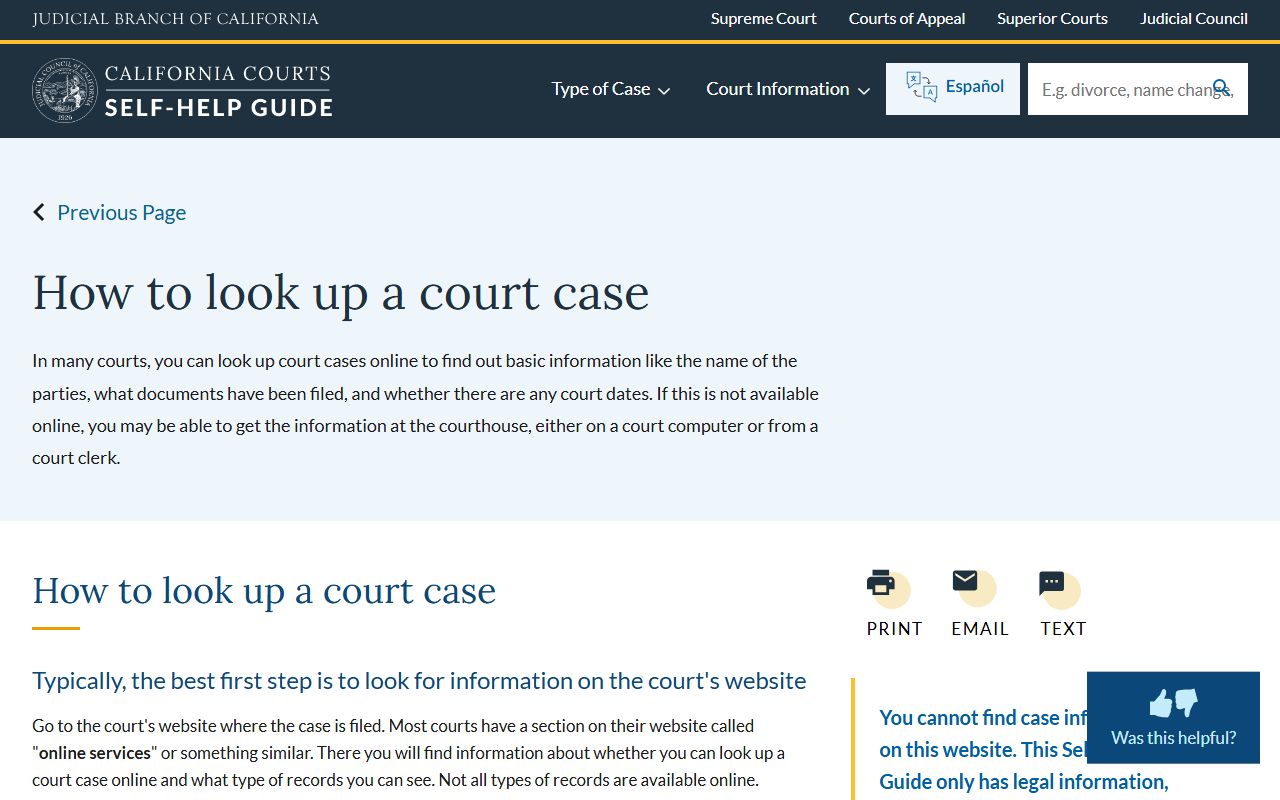
If you need help understanding court dockets or handling a case, several resources can assist you. The California Courts self-help center at selfhelp.courts.ca.gov offers guides on looking up cases and understanding what you see on a docket. The site walks you through each step. It explains what different docket entries mean and how to get copies of the documents listed.
Each county also has a self-help center at its courthouse. Staff there can show you how to use the public access terminals. They can explain docket entries. They cannot give legal advice, but they can point you to the right forms and resources. Some counties offer free legal clinics where volunteer attorneys answer basic questions about court procedures and records.
If you need an attorney, the State Bar of California runs a lawyer referral service. You can find it through their main website. Many counties also have legal aid offices that serve low income residents. They focus on civil matters like housing, family law, and consumer issues. They do not handle criminal defense, but they can help you understand civil dockets and gather evidence from court records for your case.
Browse California Court Dockets by County
Each of California's 58 counties operates its own Superior Court with separate docket systems. Select a county below to find contact information, online portals, and local court resources for that area.
Court Dockets in Major California Cities
Residents of major cities file cases at their county Superior Court. Select a city below to learn about court docket access in that area.